5
Design Challenges
JOB ROLE
Product Designer
INDUSTRY
Various
YEAR
2026
Daily Design Challenges
I dive into quick daily design challenges to keep my imagination active and my pixels sharp.I build the visual languages that connect design and development.
Keeping it Fresh: Spending a little focused time every day (or when I find a free hour) playing with bold layouts, fun typography, and new visual styles just for the joy of creating.
Creative Muscle Memory: Treating each prompt like an exercise to think fast, intuitive, and always ready to build something unexpected.
Keeping it Fresh: Spending a little focused time every day (or when I find a free hour) playing with bold layouts, fun typography, and new visual styles just for the joy of creating.
Creative Muscle Memory: Treating each prompt like an exercise to think fast, intuitive, and always ready to build something unexpected.
Pure Playground
Stepping outside of corporate rules gives me a space to design without limits. I translate ambiguous problems into straightforward UX and UI design.
No Rules, Just Fun: Throwing out the standard guidelines to experiment with vibrant color palettes, whimsical aesthetics, and completely unconventional interfaces.
Uncapped Inspiration: Creating a colorful sandbox to test out wild ideas that keep my passion fueled and ultimately bring a fresh perspective back to my daily product work.
No Rules, Just Fun: Throwing out the standard guidelines to experiment with vibrant color palettes, whimsical aesthetics, and completely unconventional interfaces.
Uncapped Inspiration: Creating a colorful sandbox to test out wild ideas that keep my passion fueled and ultimately bring a fresh perspective back to my daily product work.
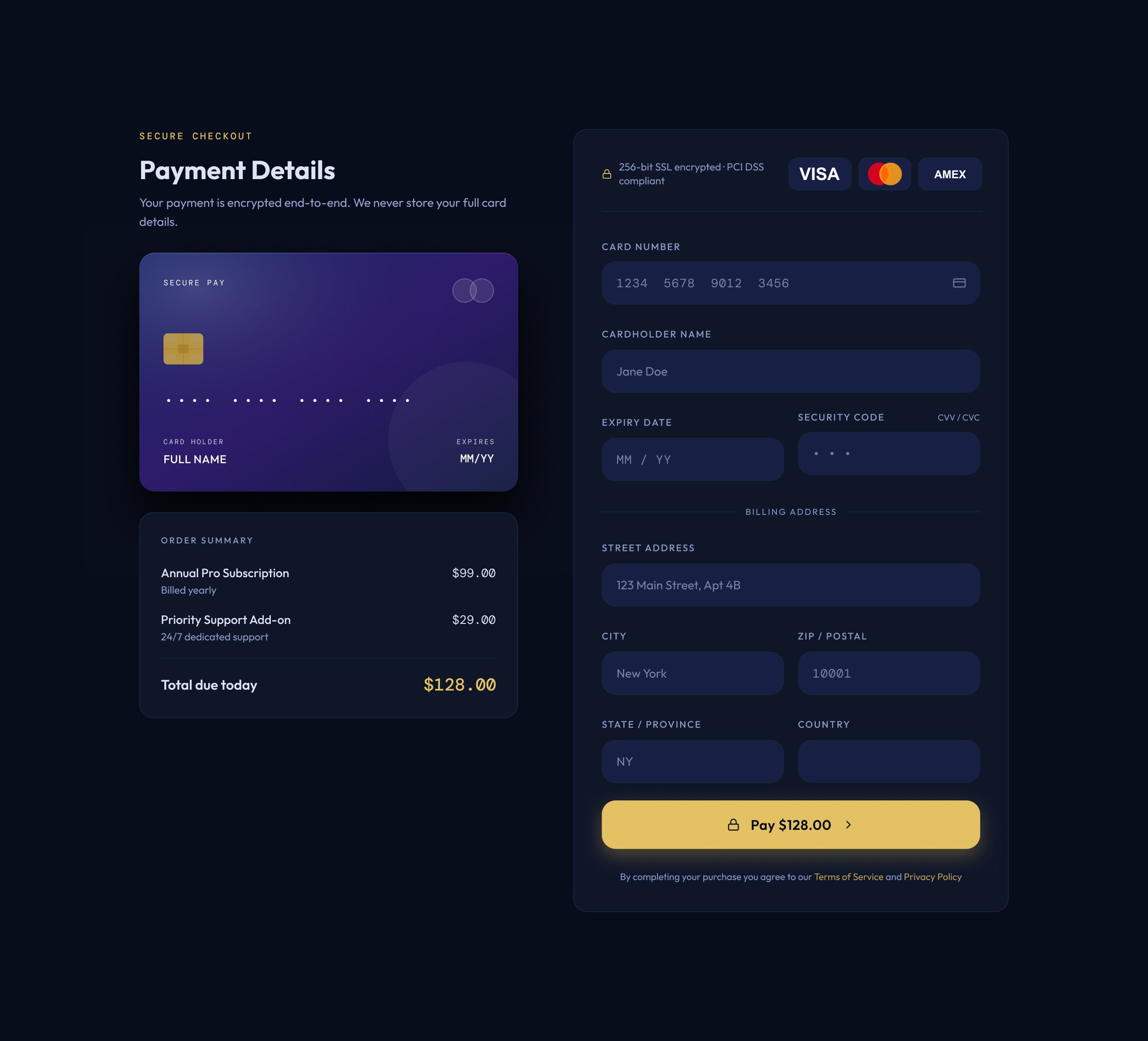
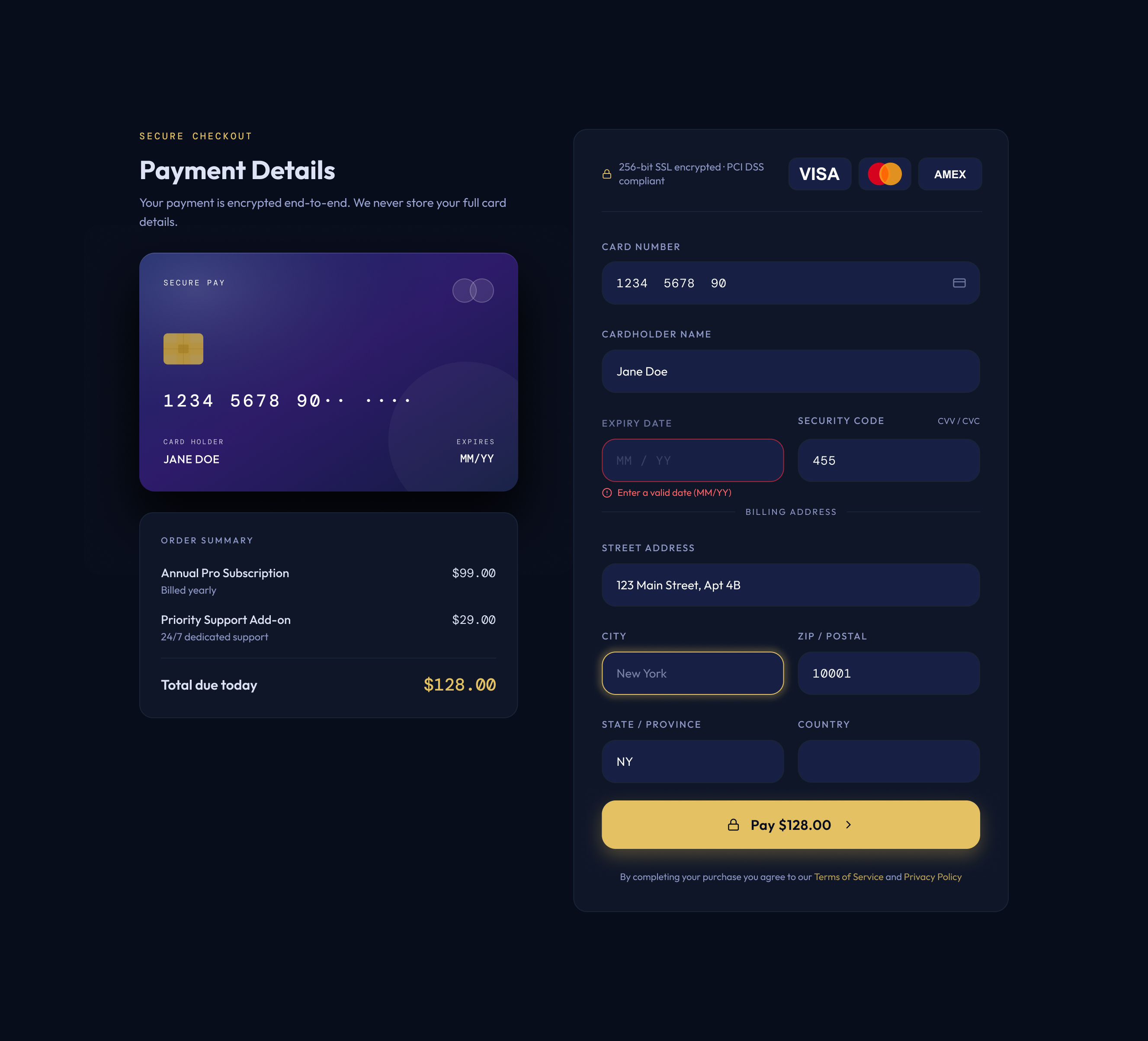
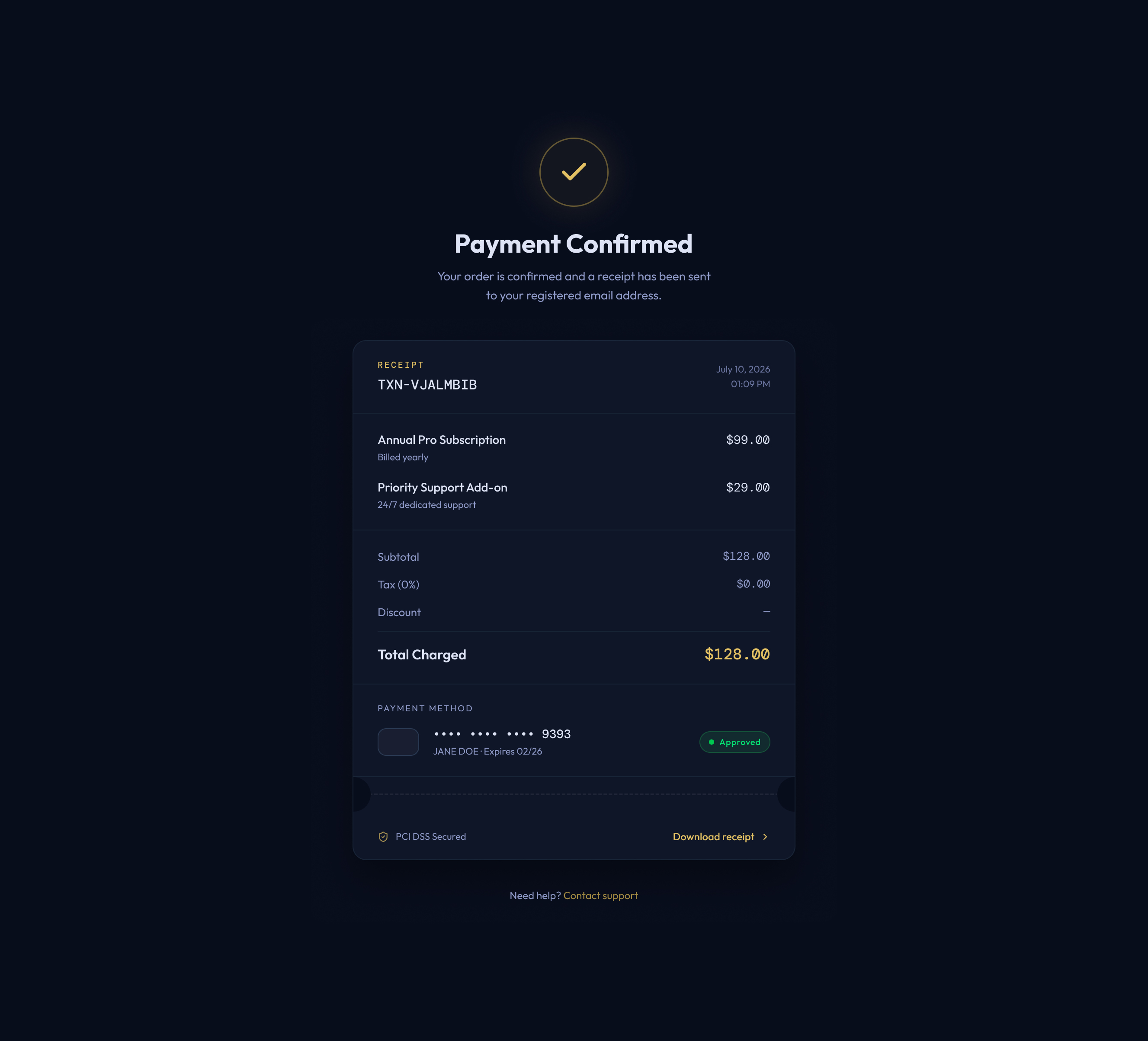
Prompt - Credit Card Form
Design a credit card checkout form or page. Don't forget the important elements such as the numbers, dates, security numbers, etc.
Tools & Notes:
Figma | WCAG AA Accessible
Click the image to enlarge!
Tools & Notes:
Figma | WCAG AA Accessible
Click the image to enlarge!
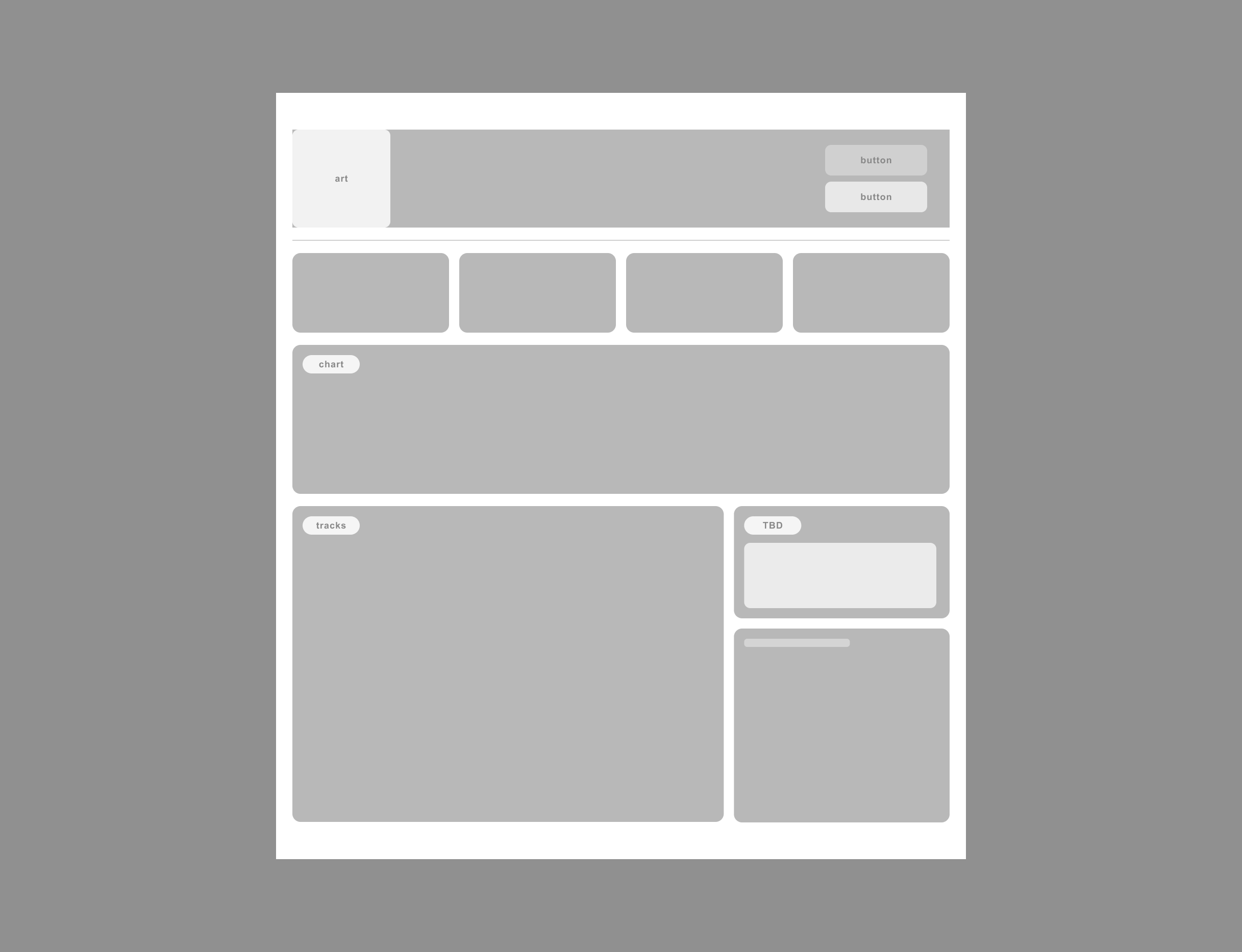
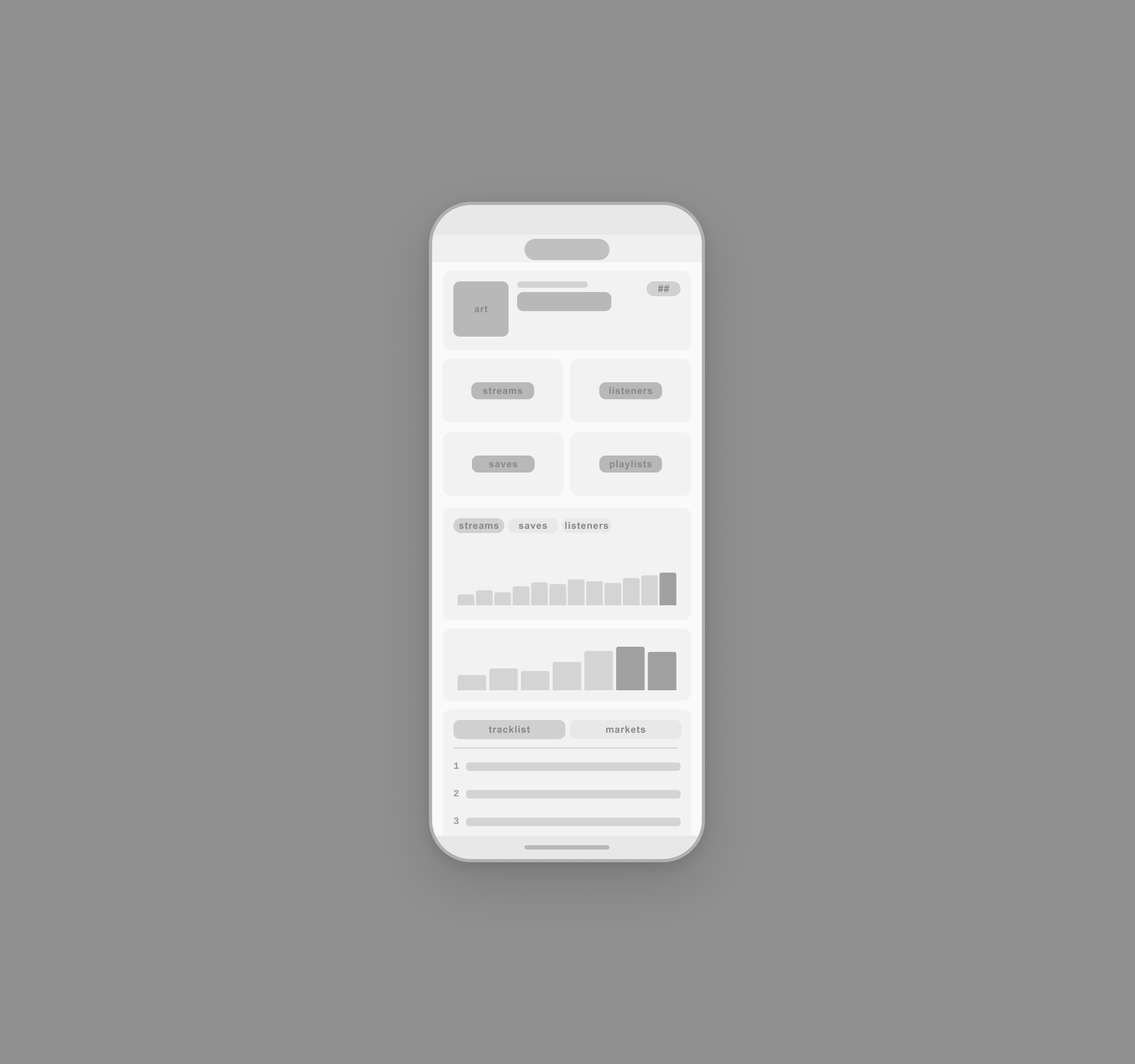
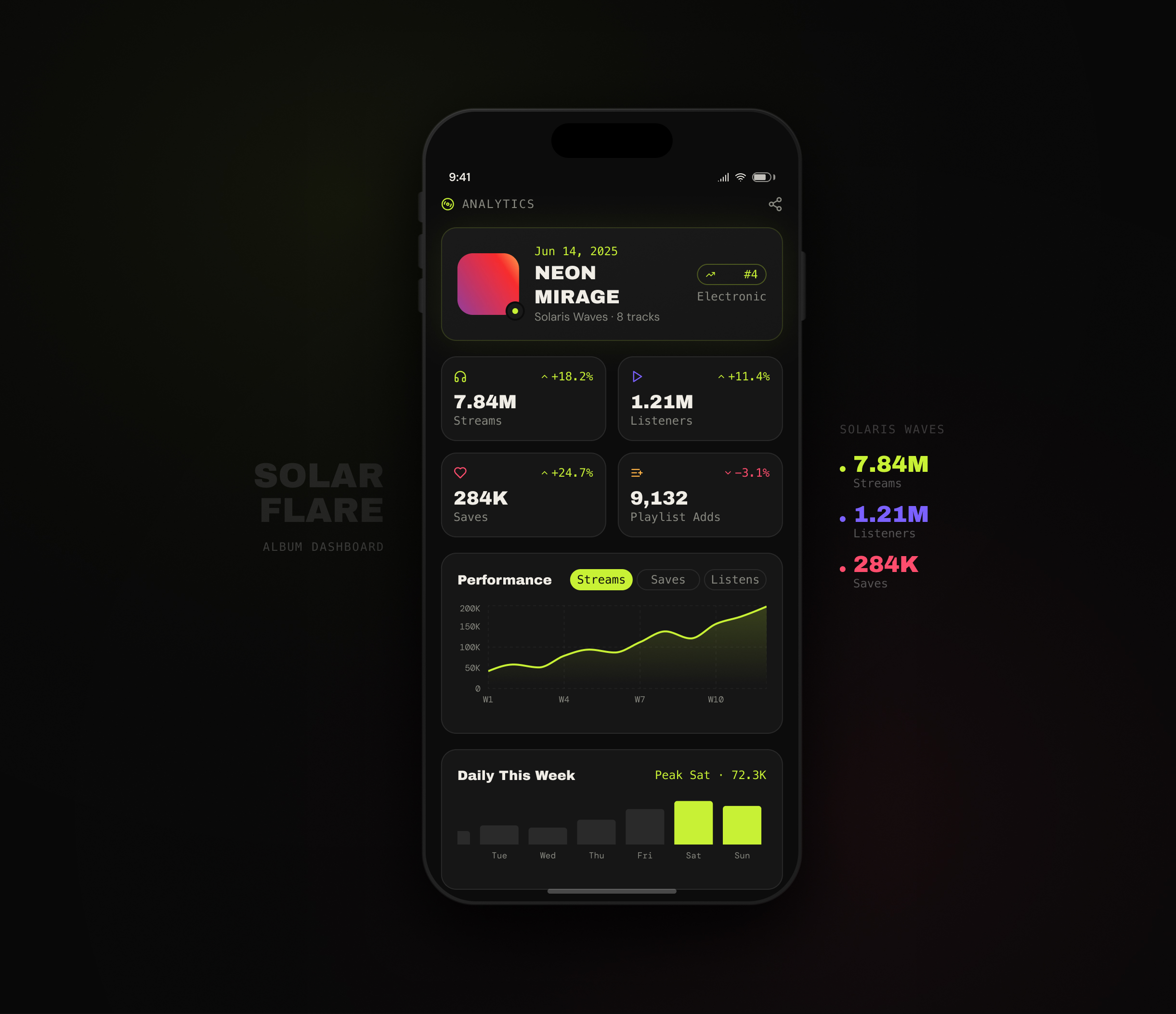
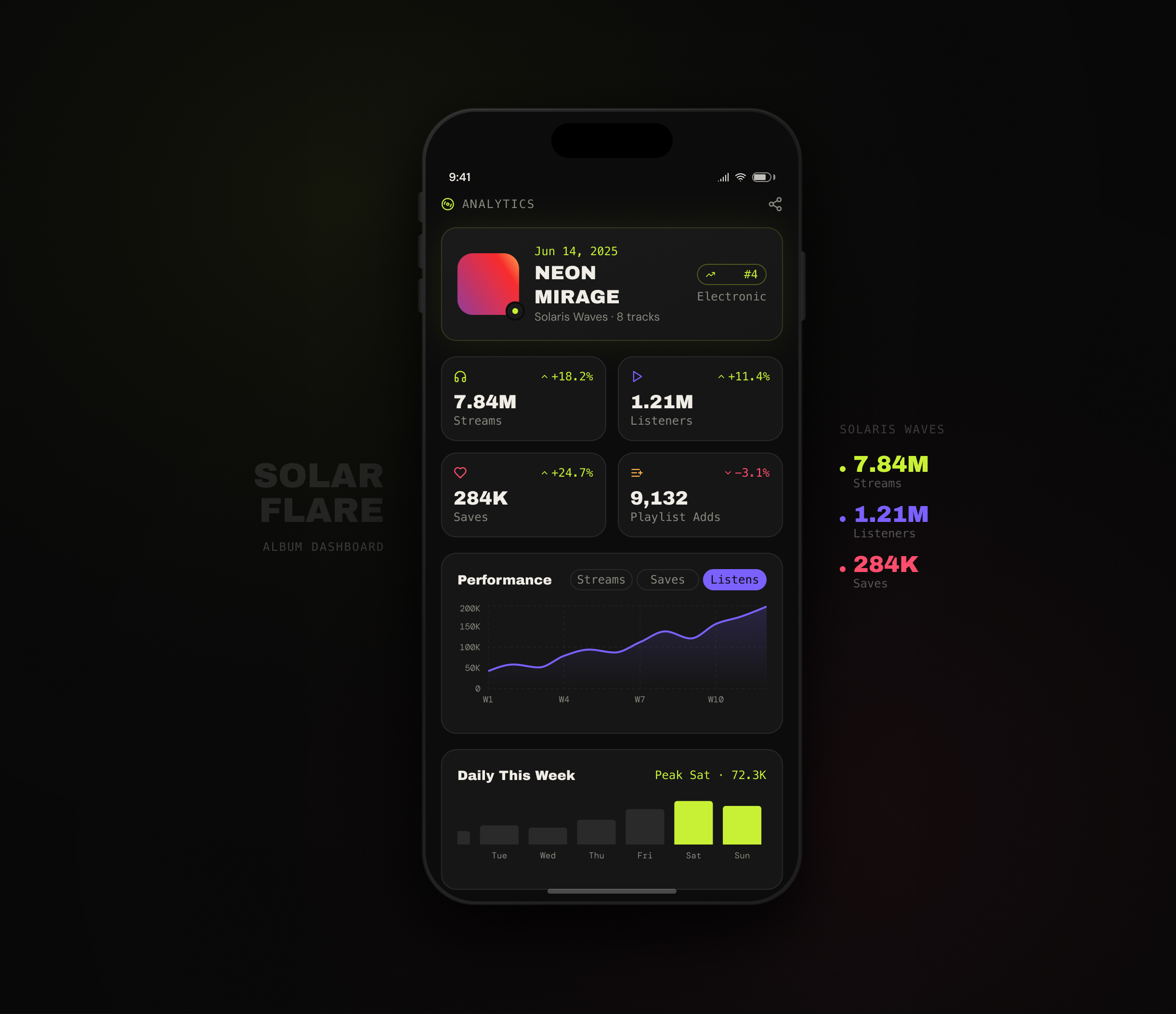
Prompt - Music Album Dashboard
What is the primary goal of the tracker? Is it for a record label monitoring global revenue, an artist tracking streaming and playlist stats, or a fan-facing interactive hub? Consider key dashboard elements like real-time data widgets, user role permissions, chart types, and high-contrast dark mode styling.Design a credit card checkout form or page. Don't forget the important elements such as the numbers, dates, security numbers, etc.
Tools & Notes:
Figma | WCAG AA Accessible
Click the image to enlarge!
Tools & Notes:
Figma | WCAG AA Accessible
Click the image to enlarge!




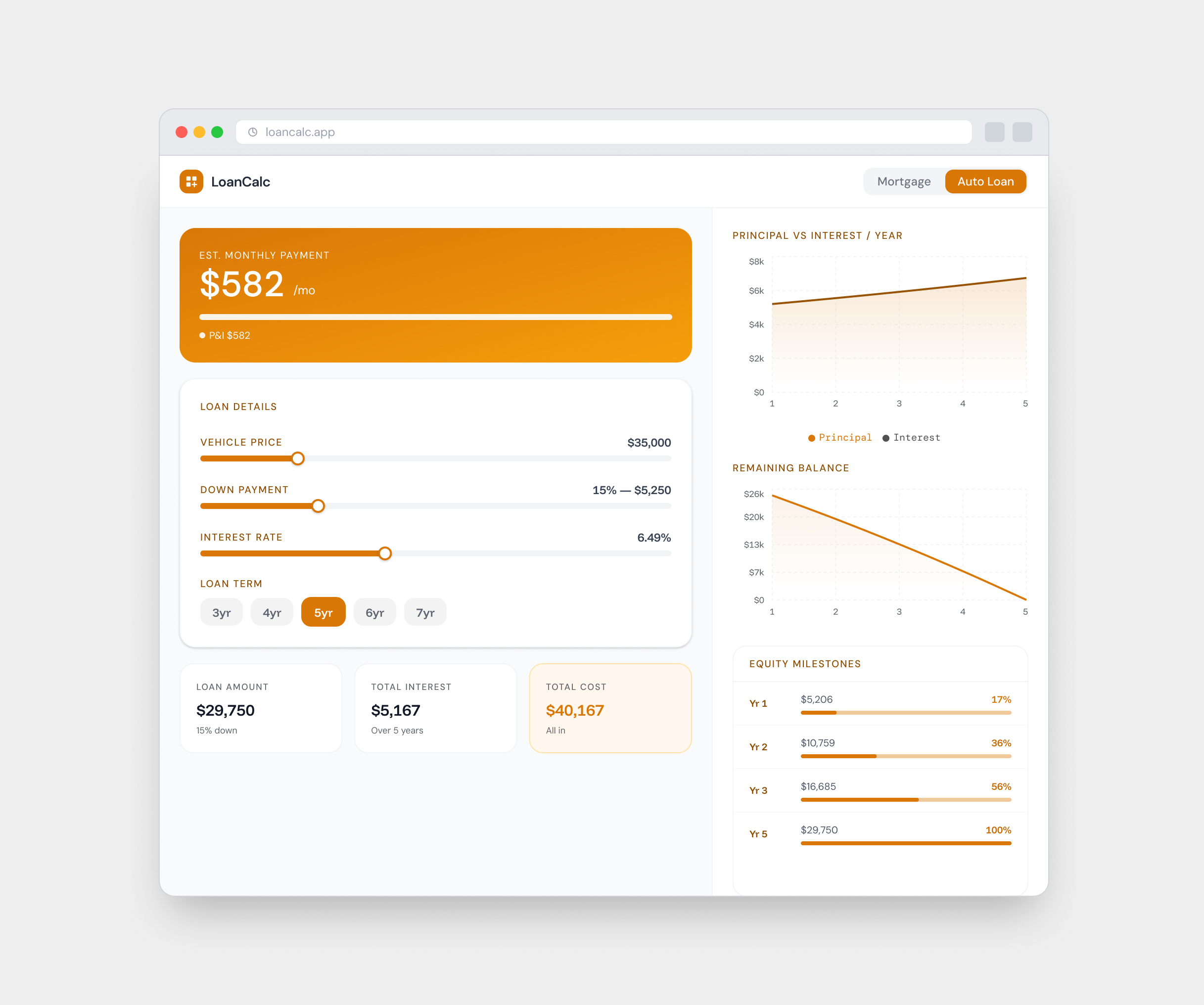
Prompt - Loan Calculator
Design a calculation element/interface. Create a specialty calculator for something such as a home mortgage or auto loan. Include designs for a tablet and a web app.
Tools & Notes:
Figma Make | Wires
Figma | WCAG AA Accessible
Click the image to enlarge!
Tools & Notes:
Figma Make | Wires
Figma | WCAG AA Accessible
Click the image to enlarge!



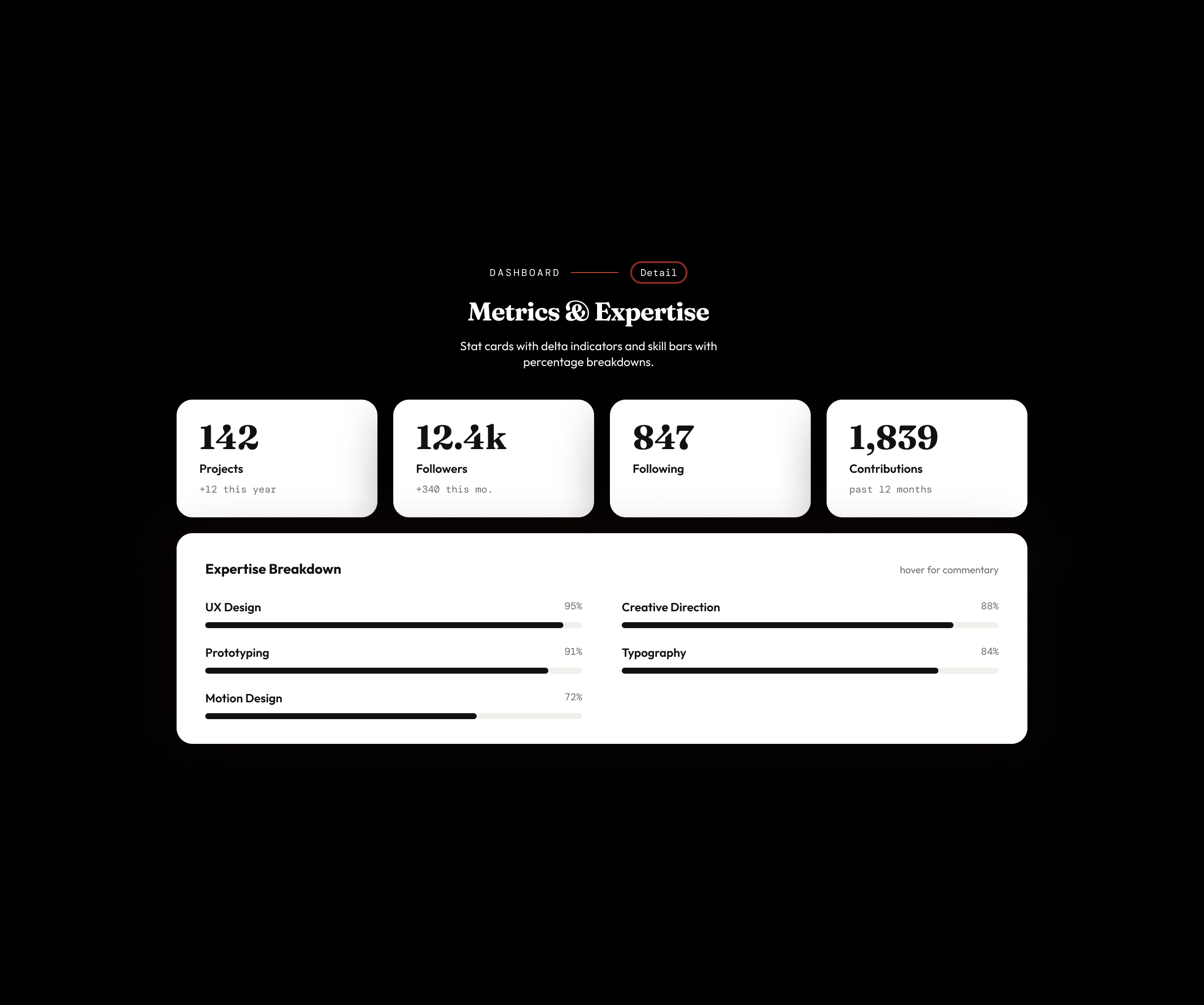
Prompt - Profile Page
Design a modern, creative user profile layout. Define the visual hierarchy for key user data, imagery, and interactive elements, and include sample profile copy that is witty, engaging, and clean.
Tools & Notes:
Figma
Click the image to enlarge!
Tools & Notes:
Figma
Click the image to enlarge!